Onde comprar
Precisa de aconselhamento? Os nossos distribuidores altamente treinados têm todo o gosto em ajudar com qualquer questão, grande ou pequena.
Encontre um revendedor perto de si
Venus OS v2.17 & v2.18 – just released!
The new version of Venus OS – the software which controls the Color Control GX, Venus GX, and Octo GX – has just been released. It includes some great new features, and also various bug fixes.
v2.18 was released one day after v2.17; and contains one more fix; relating to ModbusTCP alarm registers 34, 35 and 36; see below.
The old VE Power Setup has been replaced by one which is easier to use, and can be found on the VRM Portal. Besides easier to use, it also:
This is how the page looks:
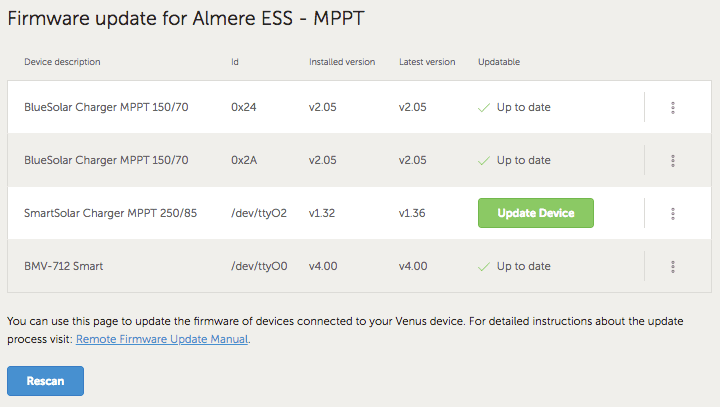
It can be accessed via two buttons at the bottom of the Device List page of an installation on VRM.
Remote firmware update manual: https://www.victronenergy.com/live/vrm_portal:remote-firmware-update
Here’s a video explaining how to use the new VEConfigure feature, but first update to the latest Venus firmware and then go to – Device List –> Settings –> Services –> VRM two-way communication and set that to ON.
Remote VEConfigure manual: https://www.victronenergy.com/live/vrm_portal:remote-veconfigure
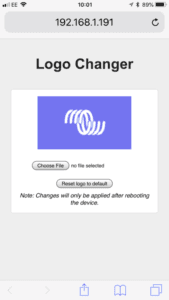
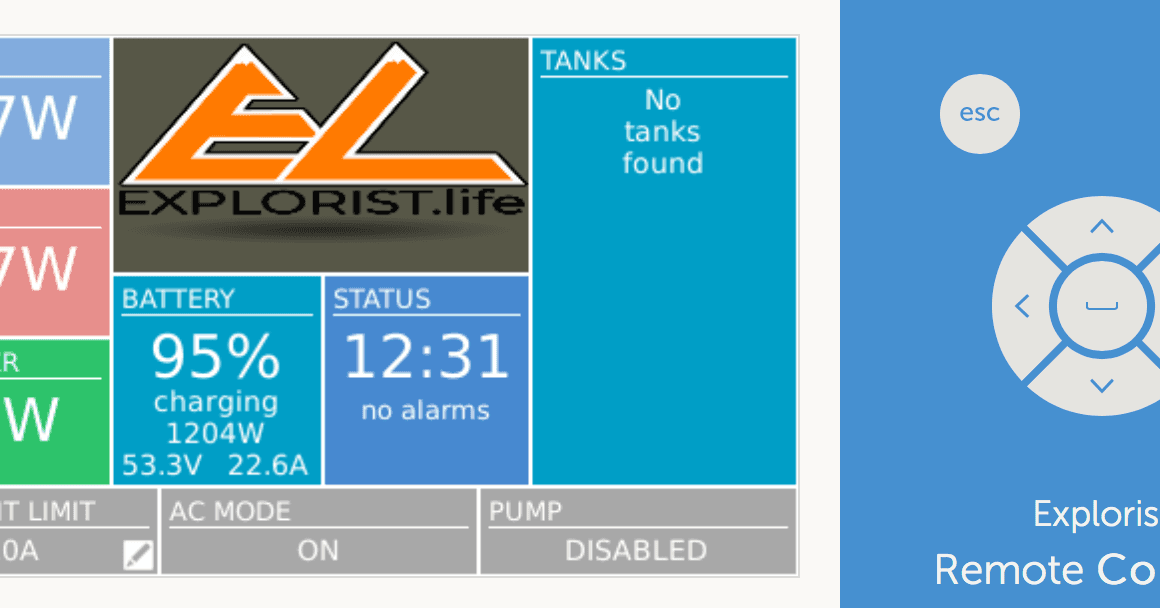
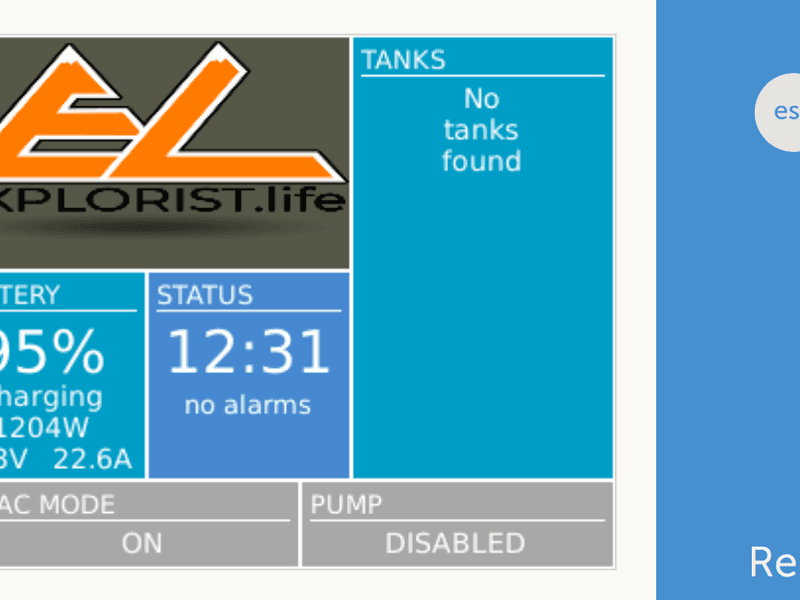
As shown in the headline image, you can now upload your own logo onto the Boat & Motorhome page. Great for motorhome builders, boat builders, and other OEMs that want to add their own touch to the system.
How to change the logoUsing this address as a template: http://[ip-here]/logo.php (inserting your device’s IP address between the square brackets) type that address into a connected browser – the IP address can be found by going to Settings > Ethernet or Wifi. From there you will see the screen above. Choose an image file from your computer. That’s it! ….but don’t forget to re-boot the GX device.
Don’t forget to make sure your Venus device has upgraded to the latest version (v2.17).
Thanks to Greg S.; Malcom H.; Coen van L. and others for flagging-up and even contributing changes in the source code to help fix these and a number of other issues.
These, together with a few more changes are all that is in version v2.17. You can find information about how to download the new Version of Venus OS here. For the full change log, visit Victron Professional.
Thanks to Nate and Steph Yarbrough – whose logo I have borrowed to illustrate the head image in this post.
Matthijs Vader
Precisa de aconselhamento? Os nossos distribuidores altamente treinados têm todo o gosto em ajudar com qualquer questão, grande ou pequena.
Encontre um revendedor perto de si
Consulte os nossos recursos de suporte ou contacte o seu distribuidor original para assistência dedicada, reparações ou pedidos de garantia.
Suporte
Leia mais sobre a nossa garantia padrão de 5 anos, líder do setor, e o serviço global de reparação.
Garantia


Política de privacidade
Preferências de cookies
Utilização de cookies
Condições de utilização
Aviso legal
©Victron Energy 2026