Onde comprar
Precisa de aconselhamento? Os nossos distribuidores altamente treinados têm todo o gosto em ajudar com qualquer questão, grande ou pequena.
Encontre um revendedor perto de si
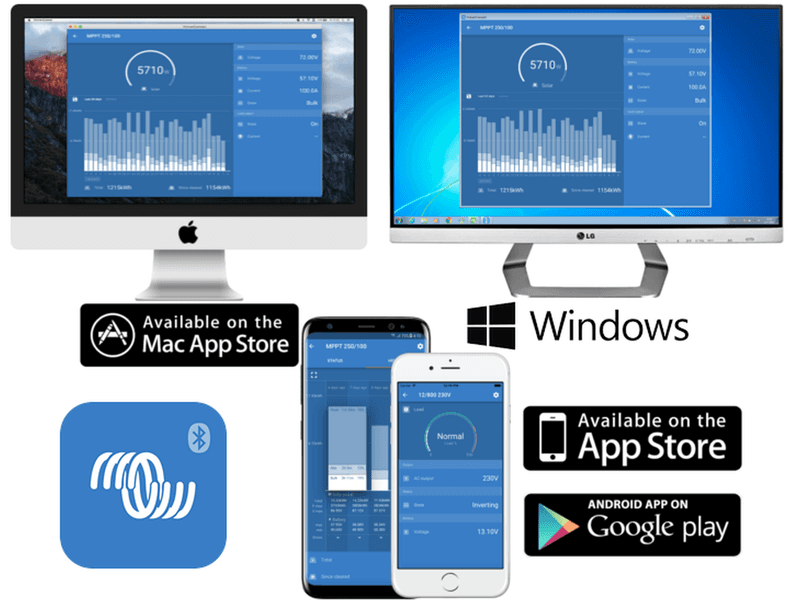
VictronConnect 5.8 – adds inverter/charger settings and more
Good Day!
Today is an important milestone in our ongoing quest to simplify working with Victron products; whilst not giving up versatility.
VictronConnect can now be used to:
Both features require the use of a MK3-USB. For the full list of requirements, such as minimal firmware versions, see the documentation here.
The features described in this post are powerful tools. They are intended for use by Victron Energy trained Engineers, Installers and Dealers. Their usage must not be attempted by system Owners and Users.
Firmware updating has become much easier:
The other significant change is that you can now disable bluetooth for many devices; in case that’s wanted. This is possible for our SmartSolar chargers, the Phoenix Smart Charger, the Smart Battery Protect and the BMV Smart. This is a process: in a few months there will be a disable-bluetooth feature for all products, including the BlueSmart Battery Chargers.
For the rest of the changes, refer to the VictronConnect changelog.
To conclude, we’re very excited about this update; and currently the developers are working hard to add setting up and configuring parallel, split and three phase systems.
And later on the list is adding support for setting up ESS Systems.
Best regards,
Matthijs Vader
Precisa de aconselhamento? Os nossos distribuidores altamente treinados têm todo o gosto em ajudar com qualquer questão, grande ou pequena.
Encontre um revendedor perto de si
Consulte os nossos recursos de suporte ou contacte o seu distribuidor original para assistência dedicada, reparações ou pedidos de garantia.
Suporte
Leia mais sobre a nossa garantia padrão de 5 anos, líder do setor, e o serviço global de reparação.
Garantia


Política de privacidade
Preferências de cookies
Utilização de cookies
Condições de utilização
Aviso legal
©Victron Energy 2026